
Microsoft Office 2024

- Windows 7, 8, 10, 11
- Version: 2503 Build 18623.20178
- Size: 3.2GB
- Click to rate this post![Total: 1 Average: 5]You must sign in to vote


- License Type: Full_Version
Microsoft often touts how great Office 365 is, but not everyone is excited about using a cloud-based office suite for different reasons. Many home and business users still prefer the classic version, which is why Microsoft Office 2024 exists.
As of this writing, Microsoft Office 2024 is the latest release of the classic edition. As with previous major releases, it comes with a number of significant changes. Even though the features are lacking in comparison to what the subscription-based 365 suite offers, they are relatively interesting enough to motivate users to upgrade.
Features and Highlights
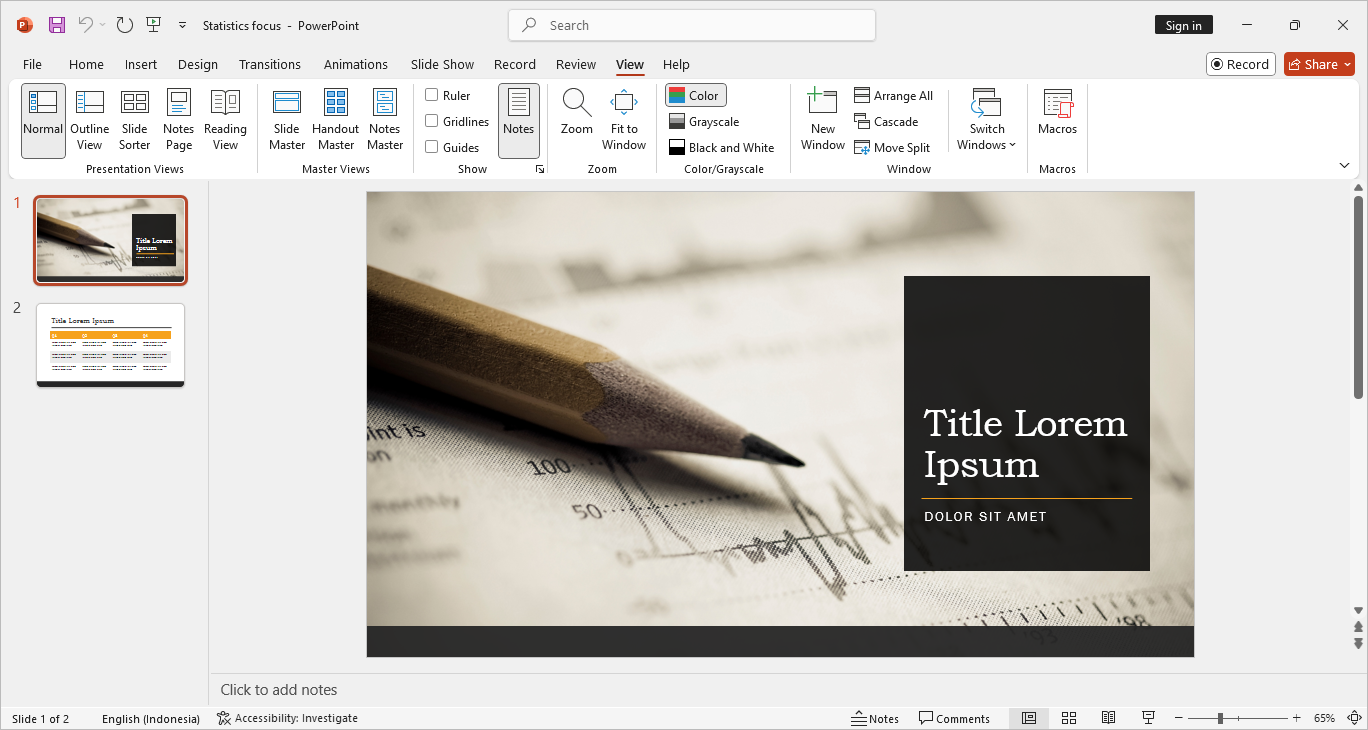
Automatic File Recovery
Document Recovery automatically saves copies of the document you’re working on to a specified location. The automatic save occurs at customizable regular intervals. By default it is set to save your work every 10 minutes.
When you reopen Word after a crash, Document Recovery automatically shows the list of files that have been saved. While you’ll probably want to recover the most recently saved file, sometimes you might need to look at the other files for some reason.
The copies of files that are saved automatically by Document Recovery are called autorecover files. You can review these files and delete any of them anytime you want by browsing to their location.
Seamless Integration Between Applications
Microsoft Office can be considered as an integrated digital ecosystem where its applications can work together to deliver a unified experience—making it more than just a collection of individual applications.
For example, an Excel chart embedded in Word can update automatically when the data changes in Excel, notes in OneNote can be linked to Outlook calendar events, and PowerPoint slides can be inserted into Word document as linked objects for quick navigation, among other things.
Live Preview
As with Document Recovery function, Live Preview is enabled by default. It shows you an instant preview of formatting changes without actually applying them.
For example, if you hover over a dark blue color in the Page Color option in Word, the background of your document will change to that color without clicking on the color box. Once you move your mouse cursor away, the color reverts to the original instantly.
Document Templates
A document template contains predefined settings, letting you quickly create new documents without setting everything up from scratch. What’s more, it is reusable, so you can use the same template as many as necessary for various projects.
In addition to the templates included in the applications, Microsoft Office 2024 also provides tons of templates that you can download and use.
Microsoft Office 2024 Free Download for Windows
Another change to the 2024 edition is the new default theme, which is based on Fluent Design principles, offering a refreshed interface that looks cleaner and more visually appealing. That being said, whether this cosmetic change matters or not comes down to personal preference.
Some changes are specific to certain applications. For example, Excel 2024 can now insert pictures—from your local device, the web, or stock images—directly into cells either by using the IMAGE function or copy and paste. If necessary, multiple images can be added at once. You can click the link below to download Microsoft Office 2024 for Windows:
- App Name Microsoft Office 2024
- License Freeware
- Publisher Microsoft
- Updated May 9, 2026
- Version 2503 Build 18623.20178
Anturis.com is your trusted source for software downloads.

























Leave a Comment