
How to Use Microsoft Activation Scripts
Written by Marteen Roose
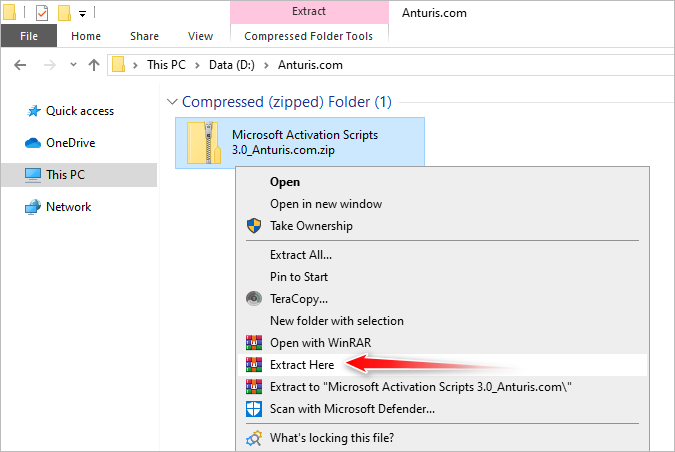
1. Extract the archive. Enter 123 if you’re asked for a password. There is no need to disable your antivirus before extracting it, but make sure that you’re connected to the internet if you’re going to activate Windows. For the Office, the activation works offline.
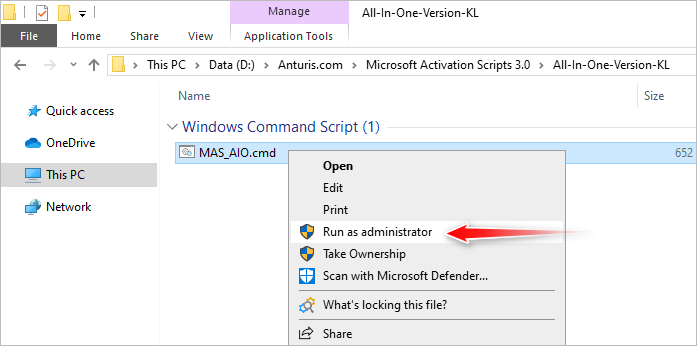
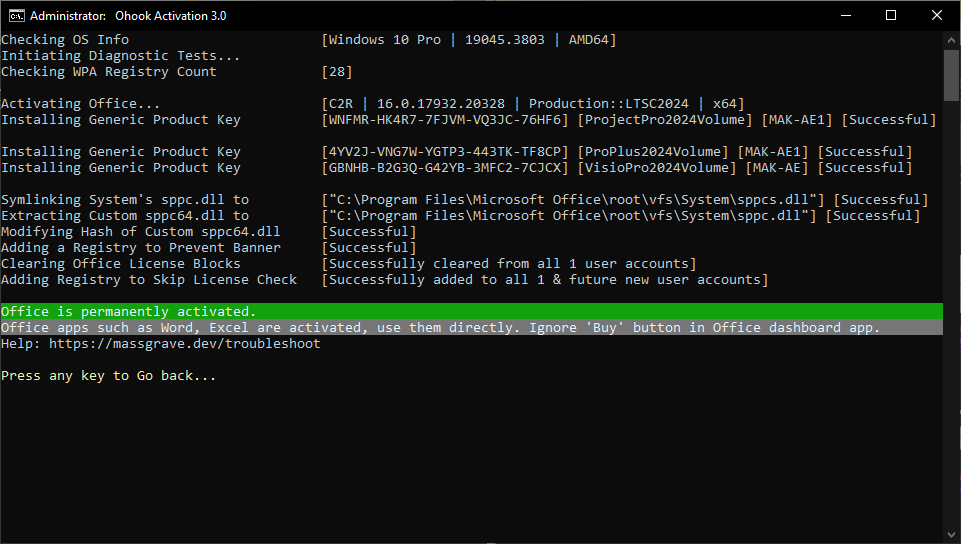
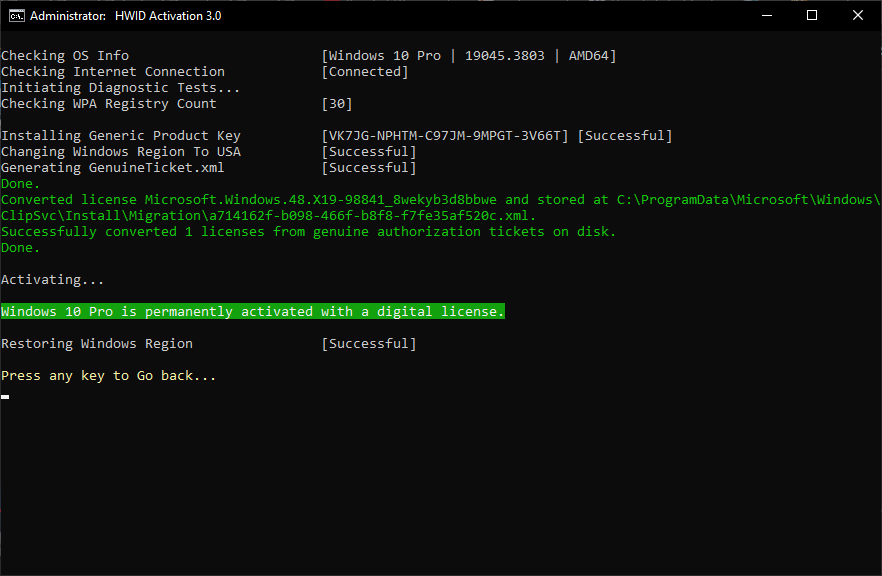
2. Once you open the extracted folder, go to the All-In-One-Version-KL folder, and run MAS_AIO.cmd as administrator.
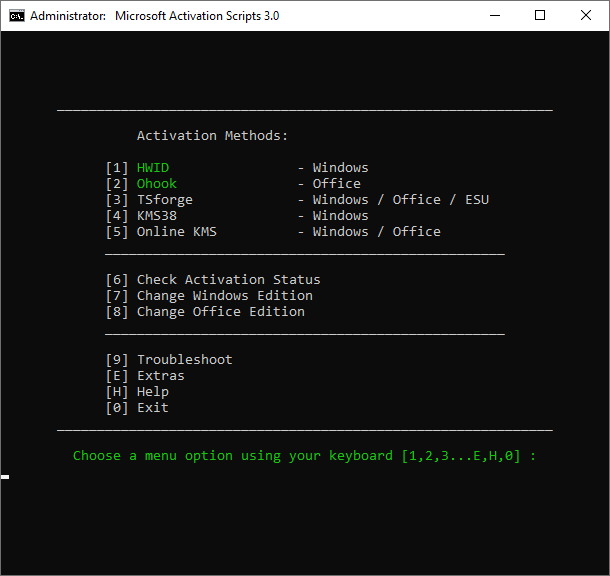
3. Press number 1 on your keyboard to select HWID if you want to activate Windows, or press number 2 to select Ohook if you want to activate Office.
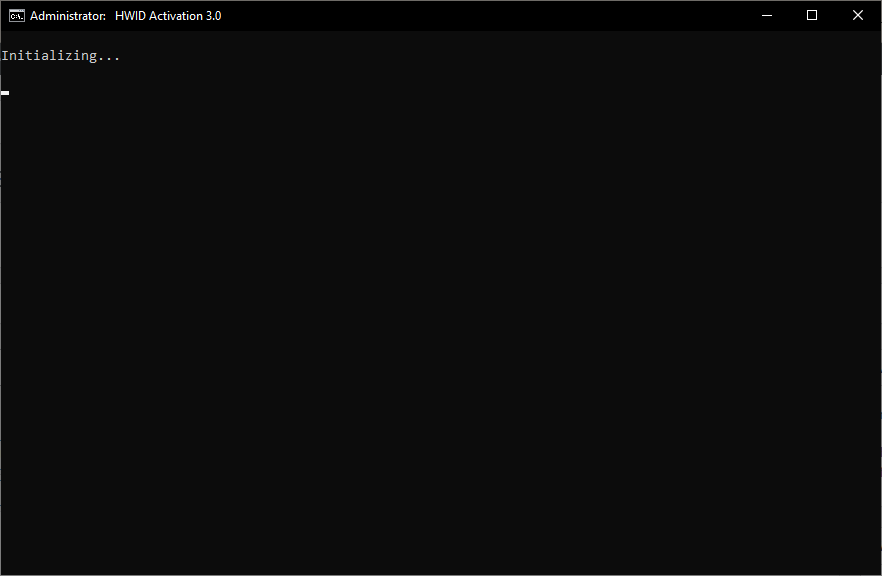
4. It takes a while for the initialization process to finish, so please be patient.
5. After the initialization process is complete, the activation begins. It only takes a few second for Windows or Office to be activated.

Leave a Comment